Cash Flow Management for Online Sellers
A healthy sales dashboard and a tight bank account can exist at the same time. Customers pay on one schedule, processors settle on another, and suppliers, tax authorities and employees still need paying. Cash-flow management starts by knowing which money has arrived and which money already has a job.
Start with received money, not the sales headline
Choose a business, a currency and a cutoff date. Compare the transactions included in your sales report with the processor's settled activity and the deposits that actually reached your account. Pending payouts are not the same as available cash. A transfer between your own accounts is not a second sale.
Write down near-term obligations separately: supplier invoices, payroll, rent, returns, taxes and debt payments. A balance can look generous while most of it is already committed. Keep unlike currencies separate rather than adding them without an explicit exchange-rate policy.
Give available revenue a purpose
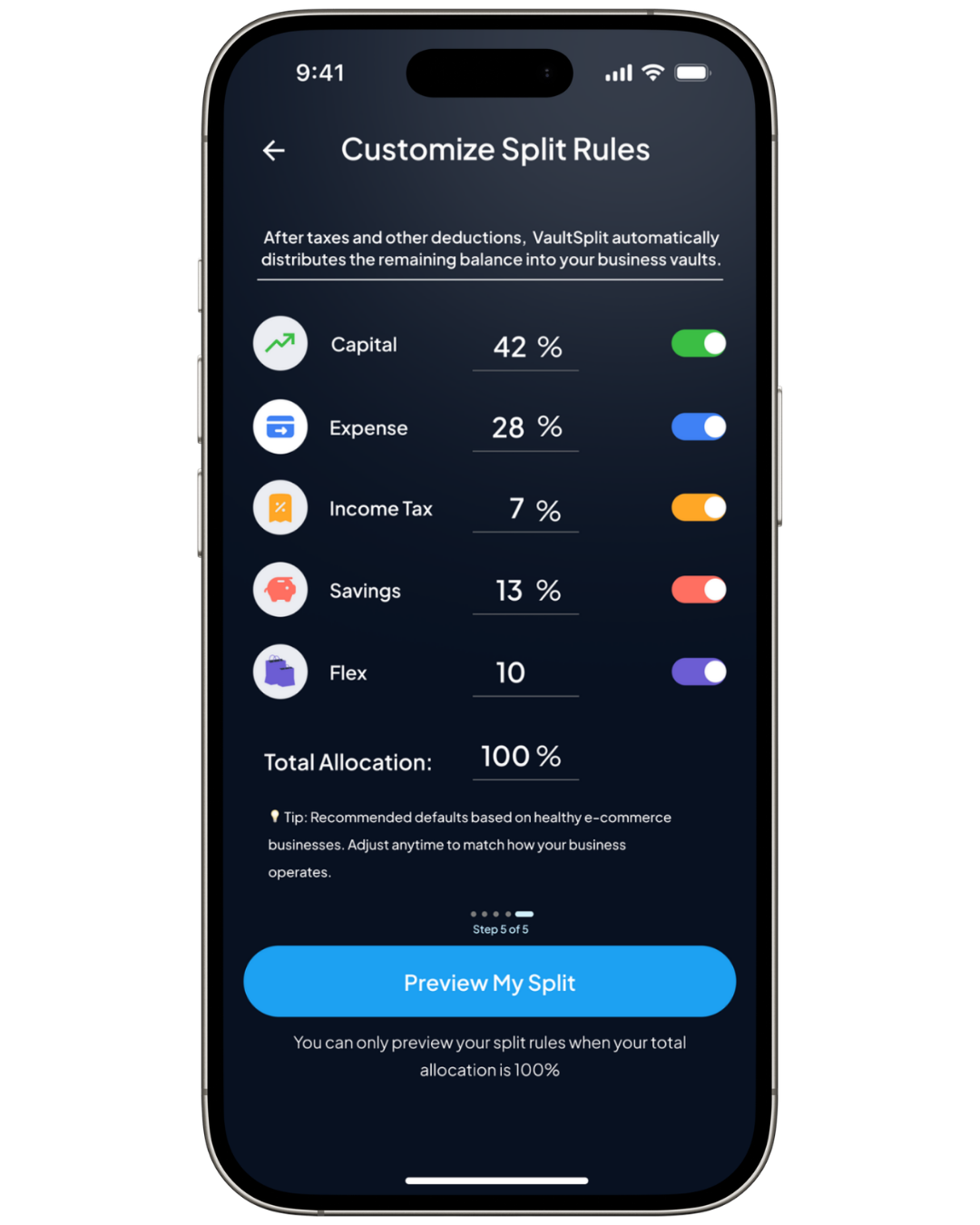
Use categories that reflect how your business operates: tax reserves, operating expenses, capital or reinvestment, savings and flexible spending. Review the percentages against actual bills rather than choosing a universal rule from the internet. A seasonal stock purchase may need a different reserve than a quiet month.
For example, reserving $300 of an illustrative $1,000 for a known supplier bill leaves $700 before other obligations. It does not create $700 of profit. Taxes, refunds and unrecorded bills can reduce that amount further.
How VaultSplit helps with the routine
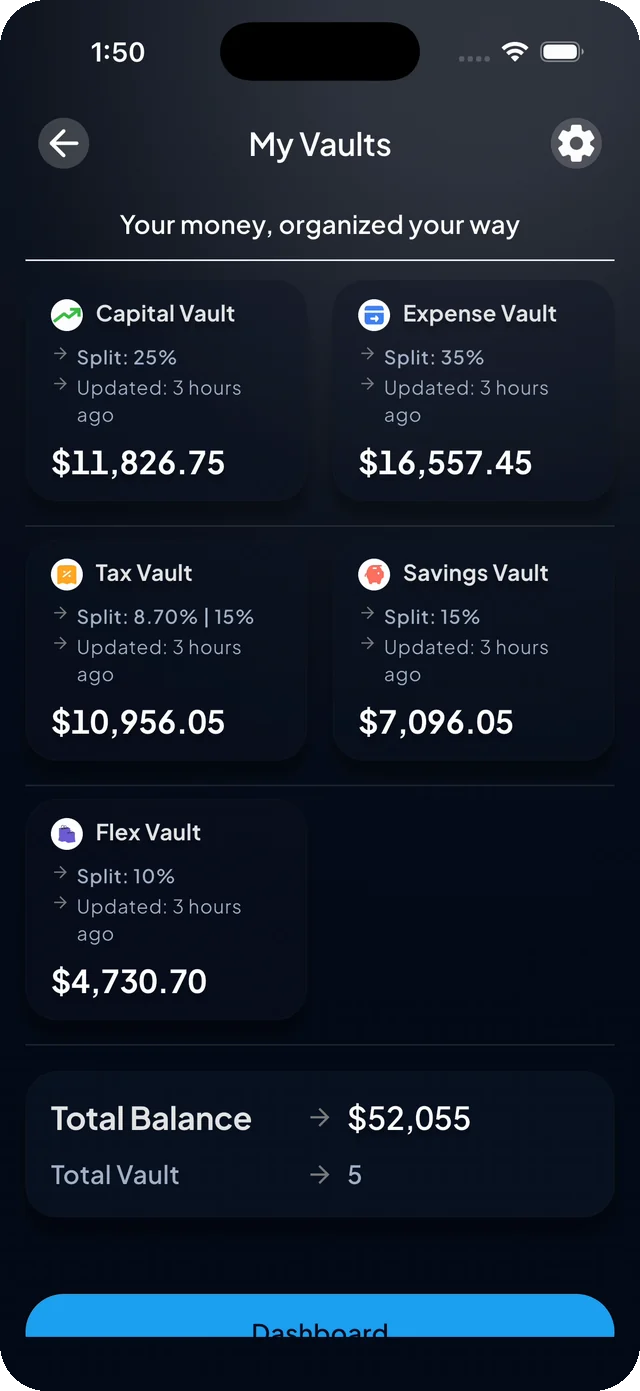
Connect an eligible supported revenue source, configure your percentage allocation rules and review the resulting vault balances. Recorded activity supports bookkeeping and reconciliation, while the AI CFO can answer supported questions about available financial records. The workflow below shows a practical review, not a guarantee of affordability.
Allocation does not determine your complete tax liability, predict every expense or replace cash-flow planning with your accountant. The AI cannot infer an unpaid invoice or inventory commitment that is absent from its available records. Before a withdrawal, review the source, destination and applicable confirmation in the app.
A practical workflow
- Confirm which supported source and business the money belongs to.
- Set allocation rules using your actual reserves and operating needs.
- Review balances alongside upcoming bills and unsettled activity.
- Reconcile records and revisit the rule when your business changes.
Questions owners ask
How much money can I safely spend from my business account?
Start with reconciled available cash and subtract known commitments, tax reserves and a buffer. Review what the data omits. A bank or vault balance alone cannot certify that an expense is affordable.
Does this connect to my Shopify store?
Shopify is not enabled for the current V1 release. This workflow is relevant to online sellers generally, but VaultSplit requires an eligible supported source. Stripe support is not Shopify Payments support.
Is the AI CFO a replacement for my accountant?
No. It helps interpret recorded data and supported financial questions. You and your qualified advisers remain responsible for complete records, taxes and financial decisions.
Check the fit before connecting
Review how the features work, supported integrations and limitations, and plans and fees. Contact the team if your source or country is unclear.
Read the guides on sales versus available cash and setting up allocation categories.
Discuss your financial workflow