Why Your Shopify Revenue Is Not the Same as Your Available Cash
Making sales is not the same as receiving spendable cash. A store can grow while its owner struggles to pay a supplier. Before buying more stock or increasing an advertising budget, build a bridge from customer payments to settled cash, then from settled cash to the obligations that cash must cover.
Product boundary: Shopify is not enabled for VaultSplit's current V1 release. This guide explains a general financial workflow for Shopify sellers; it does not promise a Shopify or Shopify Payments connection. Check the supported sources before considering VaultSplit.
1. Define the sales number before comparing it
Gross sales, net sales, customer charges and payouts are different measures. A sales metric may exclude tax or shipping, while the amount charged to a customer includes them. Discounts, cancellations and refunds may appear in different reports or periods. Read the report definitions and choose one store, currency and cutoff date.
Next, collect the provider's activity and payout reports and the corresponding bank statement. A bank deposit can contain many payments and adjustments, including activity from a previous sales period. Pending transactions are not cash already received. Do not count a payout as another sale after recording its underlying payments.
2. Explain fees, refunds and settlement differences
Processing fees reduce the cash reaching your account. Refunds, chargebacks and adjustments can reduce it again, sometimes after the original sale. Provider reserves, account holds, payout schedules and currency conversion can also affect what arrives and when. A lower deposit is a question to reconcile, not automatic evidence that money has gone missing.
For automatic Stripe payouts, the included balance transactions can be matched to the payout. Manual payouts need a different matching process: choosing a transfer amount does not identify which sales it represents. Shopify Payments has its own activity, payout and fee reports. Use the actual provider records rather than assuming two systems have the same coverage.
3. Work through an explicit example
Assume one currency and that all of the following activity is included in one settled payout. Customer charges total $12,000, including $1,000 of collected Sales Tax. Refunds total $600, including $50 of that tax. Processing fees are $360. There are no other reserves, adjustments or currency differences in this example.
- Illustrative cash deposited: $12,000 - $600 - $360 = $11,040.
- Remaining collected Sales Tax in this simplified example: $1,000 - $50 = $950.
- Known supplier payments: $4,000. Other operating bills: $1,500. A chosen contingency buffer: $500.
- Cash after those listed items: $11,040 - $950 - $4,000 - $1,500 - $500 = $4,090.
The $4,090 is not certified safe-to-spend money or accounting profit. It excludes any income-tax reserve, debt repayments, payroll or other obligations not listed. The tax figures are illustrative assumptions, not a recommended rate or legal determination. Actual refund, tax and fee treatment depends on the records and jurisdiction.
4. Separate profit from cash flow
Profit measures income against expenses under your accounting policies. Cash flow describes money moving in and out. Inventory paid for now may be sold later; a loan brings cash without being sales revenue; a profitable order may still be awaiting settlement. Review the ledger and upcoming commitments together rather than treating a bank balance as the whole business picture.
Maintain a simple dated list of unpaid supplier invoices, payroll, rent, taxes and planned stock purchases. Include items that have not yet appeared in your transaction feed. A tool cannot automatically account for an obligation it has never received.
5. Allocate after you understand the available amount
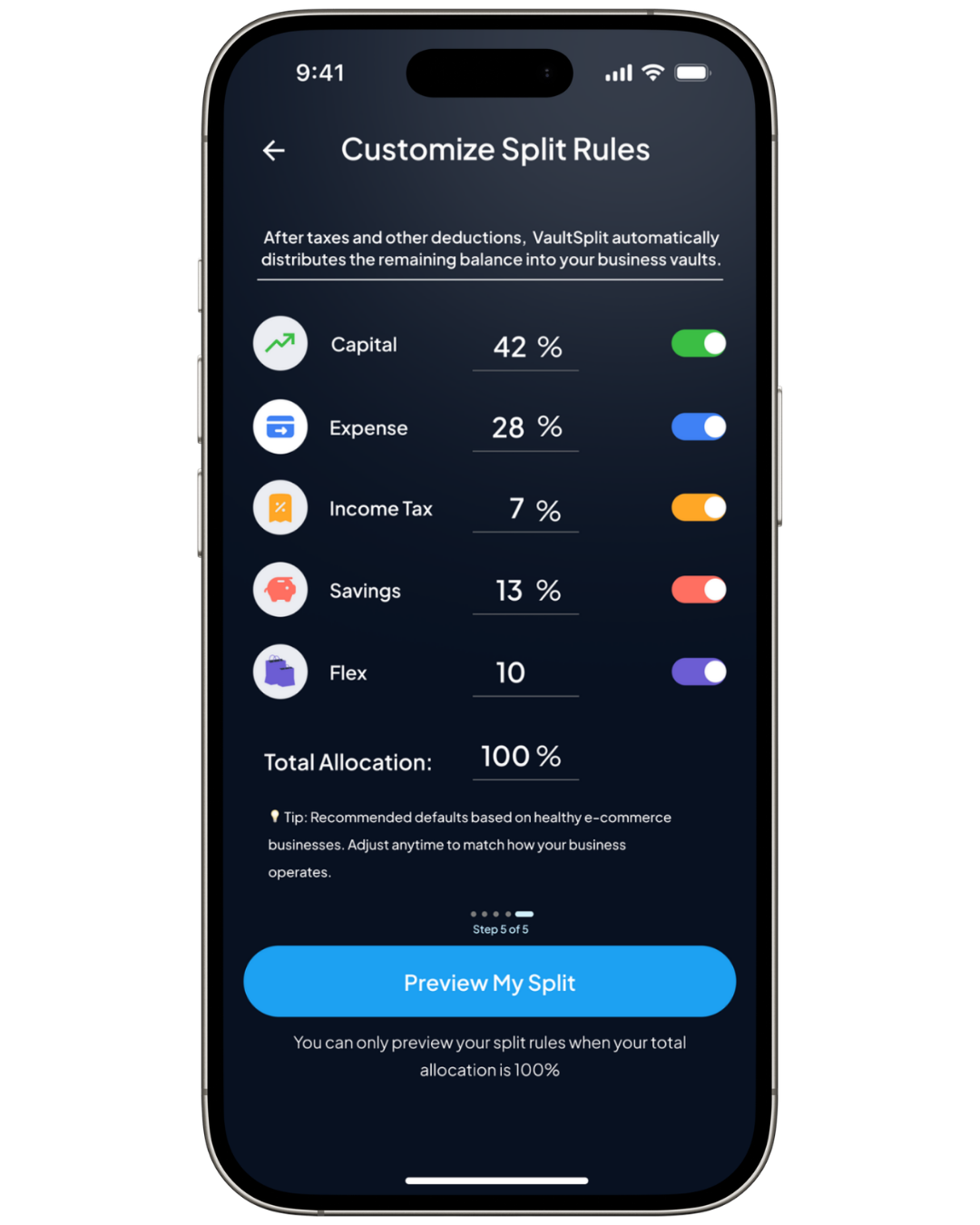
Categories for taxes, expenses, reinvestment, savings and flexible spending make trade-offs visible. Choose reserve levels from your business's actual commitments and qualified advice. Review them when margins, sales patterns or supplier terms change. Setting money aside is not filing a tax return and does not guarantee that the reserve will cover the final liability.
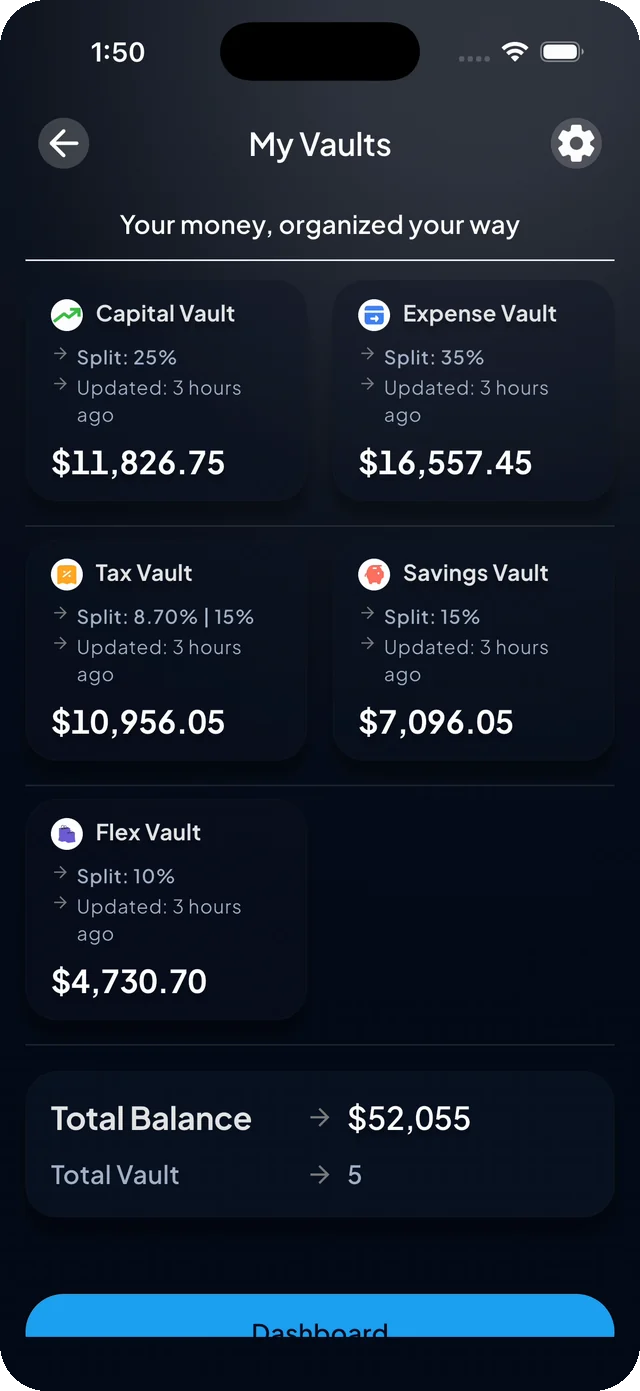
With an eligible supported source, VaultSplit applies configured allocation rules and records supported activity. Its AI CFO can help explain available financial records; it is not a replacement for complete data or professional judgment. A Shopify-only seller should not assume that this workflow is connected today.
A practical weekly review
- Reconcile payments, fees, refunds and payouts for the chosen business and currency.
- Record unresolved differences and retrieve missing evidence instead of forcing a balance.
- Update upcoming obligations and inspect whether reserves are adequate.
- Review discretionary spending only after allowing for missing data and uncertainty.
Continue with cash-flow management for online sellers, payment reconciliation and VaultSplit pricing and fees. Ask the team about a specific source or country.
Primary references
- Shopify: Getting paid with Shopify Payments, including payout timing, fees, reserves and activity reports.
- Stripe: Payout reconciliation, including automatic versus manual payout matching.
This is general educational information, not financial or tax advice. Numbers are illustrative, not customer results. Verify your provider's current reports and consult a qualified adviser about your own obligations.