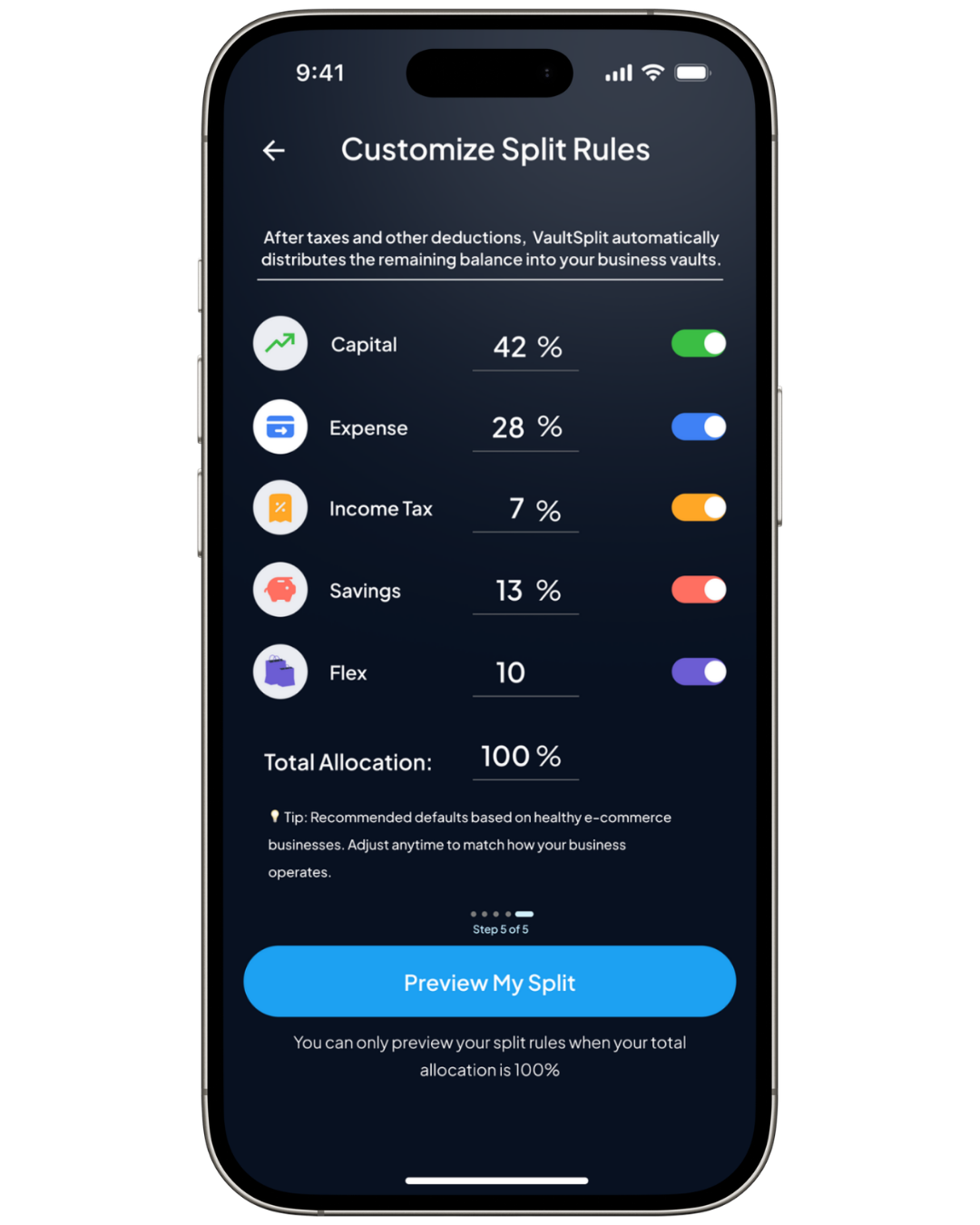
Reconcile E-commerce Sales, Fees and Payouts
Your sales total says one thing and the bank deposit says another. That difference is not automatically missing money. Fees, refunds, chargebacks, timing, reserves and currency conversion can all change the amount that arrives. Reconciliation explains the difference using evidence instead of forcing the numbers to agree.
Compare like with like
Pick one business and currency, then identify the period and settlement cutoff for each report. A daily sales report and a weekly payout can cover different transactions. Check whether each total includes tax, shipping, discounts and refunds before comparing it.
Collect order or payment identifiers, processor activity, fees, adjustments, payout identifiers and the matching bank deposit. A payout can contain many transactions. Keep the payout as a transfer of already-recorded funds rather than counting it as new revenue.
Explain the bridge to the bank
Start with the included transactions and identify deductions, credits, reserves and timing differences. For example, $2,000 of illustrative customer payments less $60 of fees and $100 of refunds produces $1,840 before other adjustments. It is not a promise that this amount settled on the same day.
When a number does not reconcile, record the unresolved difference and retrieve the missing evidence. Do not silently plug the gap into revenue or expenses. Refunds and chargebacks should be traced to the original activity so they are not subtracted twice.
What VaultSplit contributes
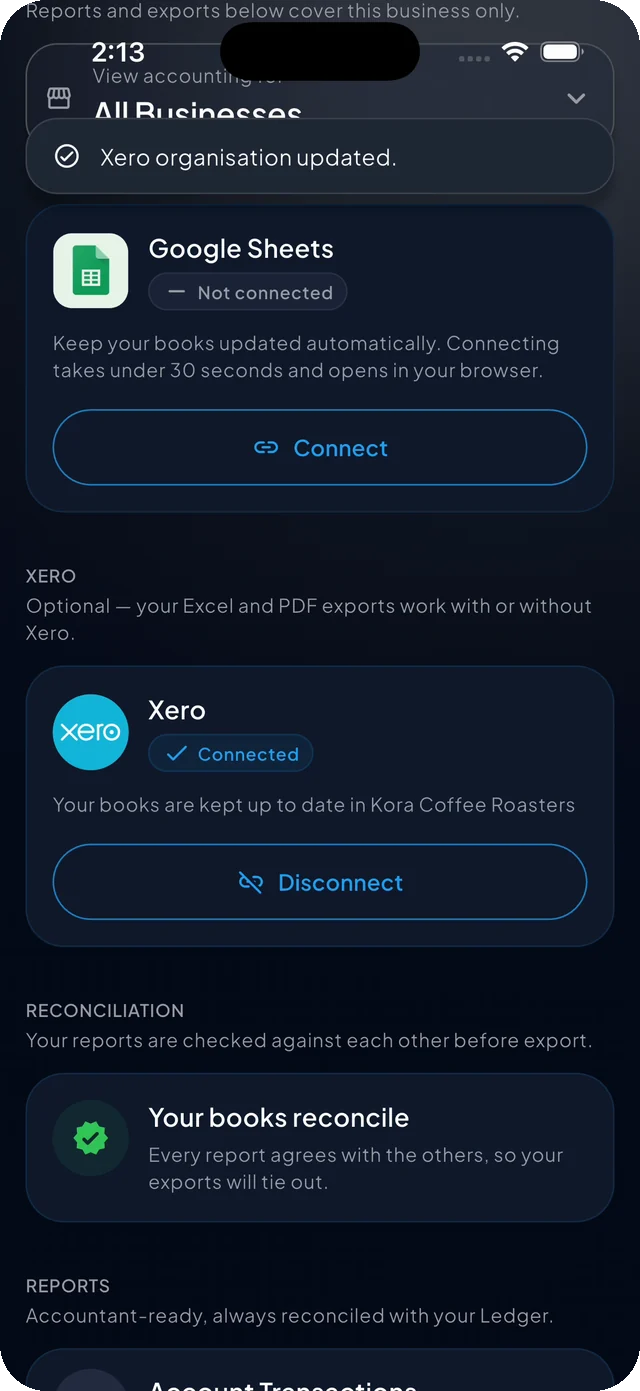
VaultSplit records supported activity in a double-entry ledger and checks accounting reports before export. Google Sheets and Growth-plan Xero workflows can carry supported accounting data onward. Review source coverage and unresolved reconciliation findings before treating any report as complete.
Integrations are not interchangeable. Stripe and WooCommerce cover supported revenue workflows; Xero is an outbound accounting workflow, not an import of every bill or liability. Shopify is not enabled for the current V1 release, and Shopify Payments is not covered merely because Stripe is supported.
A practical workflow
- Choose a business, currency, reporting period and cutoff.
- Match payments, adjustments and payouts using their identifiers.
- Explain fees, refunds, reserves and settlement timing.
- Investigate unresolved differences before exporting reviewed reports.
Questions owners ask
Why don't my sales match the money deposited into my bank?
The reports may cover different periods or definitions. Compare the included payments, fees, refunds, adjustments, currencies and settlement timing before concluding money is missing.
Can I reconcile Shopify sales with VaultSplit today?
There is no enabled Shopify integration in the current V1 release. Use Shopify and provider reports for that source, and confirm any proposed VaultSplit workflow with the team before signing up.
Does an export mean my books are complete?
No. An export reflects the supported records and scope available. Missing transactions, unrecorded liabilities or unresolved differences still need investigation by the owner or accountant.
Check the fit before connecting
Review how the features work, supported integrations and limitations, and plans and fees. Contact the team if your source or country is unclear.
Read the guides on sales versus available cash and setting up allocation categories.
Discuss your financial workflow